What’s New at Oh My Hi: September 2026 Recap
September had a little bit of everything at Oh My Hi: a new integration, a first look at what our founders have been building, and plenty of “wait, you can do that?” moments on live support.
Whether you’re already building on Oh My Hi or still deciding if it’s the right fit for your business, here’s what happened this month and what you can put to use right away.
🆕 Sync Your TidyCal Bookings to Your Oh My Hi CRM
If you use TidyCal to book appointments, you can now connect it straight to your Oh My Hi CRM. Anyone who books with you is added automatically as a tagged contact. No exporting, no copy-pasting, and no contacts slipping through the cracks.
Once it’s connected, Oh My Hi checks TidyCal every four hours and pulls in your new bookings. That means everyone who books a call or appointment can flow right into your email marketing, so you can keep the relationship going long after the appointment ends.
Fun fact: this integration started as a request from our own Lisa, who uses TidyCal herself. We really do build the things you (and we) keep asking for.
👀 Behind the Scenes: Your AI Assistant Is About to Get Website Superpowers
Jeremy spent the summer building something new: a way for your AI assistant to do the work on your website for you.
Soon you’ll be able to connect ChatGPT or Claude directly to your Oh My Hi site. Tell your AI what you want, and it builds a draft page or blog post right on your site for you to review. Nothing goes live until you say so.
Becky’s already hooked. She recently talked through a blog post idea out loud on her drive home, told her AI to put it on her site, and it did.
Our beta testers are loving it, and we can’t wait to open it up to everyone. Stay tuned, because it may be coming sooner than you think.
📝 Why Your Website Images Should Be Text-Free
In this month’s Oh My Hi Insider, Sami and Lisa tackled a mistake we see in nearly every industry: putting text on website images.
Text on images works great on social media. On your website, it quietly causes problems:
- Search engines can’t read it. Your product details, event info, or program highlights become invisible to Google.
- Screen readers can’t read it either, so some visitors miss your message completely.
- It’s harder to read on mobile, and it’s a pain to update when something changes.
The easy fix: Ask Canva or your AI tool for two versions of the same graphic, one with text for social and one clean image for your website. Then put your copy where it belongs, in the headings and paragraphs on the page.
Give Your Images Names That Make Sense
Sami and Lisa also covered descriptive file names and alt text. “Lisa Duck standing with a colorful coffee mug” tells Google (and your visitors) far more than “image_final_v3.png.”
This will matter even more once your AI can browse your media library, because clear names help it find the right image the first time.
Watch the replay:
💡 Live Support Highlights
Lisa’s weekly live support sessions were busy this month. As our AI beta testers started building, they brought their questions straight to live support, and Lisa walked them through getting AI-built drafts onto their live sites. That’s exactly what live support is for: a real person to help you through platform changes so you’re not figuring them out alone.
We also launched Live Support Plus, with Sami joining for strategy-level feedback. Cindy got a full review of her newly redone site, and others got advice on making their homepage work harder.
A few of our favorite “ohhh” moments from the month:
- Headings aren’t just decoration. Your H1 tells Google what the page is about, so make it count. And pick heading levels based on structure, not just size.
- Your links can change color on hover. Set it in your global styles or on a single page.
- People can leave one email sequence without unsubscribing from your whole list. Add an exit tag to your automation so someone can opt out of one series and stay on your list.
- Keep a cheat sheet of your forms, pages, and automations. Knowing what everything is called makes troubleshooting faster, and it helps when you tell your AI exactly which form to use.
Live support runs every week, so bring your questions (and your screen-share nerves). Missed a session? Replays are available in your dashboard.
💻 Real Websites, Real Results: Our New Case Studies Page
We just launched something we’ve wanted to build for a while: a Case Studies page full of real Oh My Hi users and how their websites are working for them.
Here’s a quick taste:
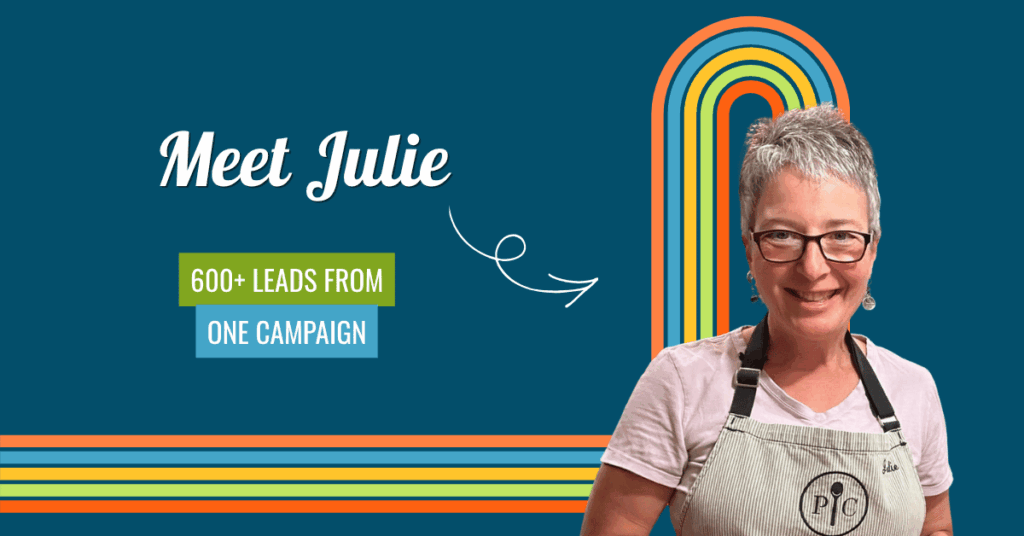
Julie already had the followers. What she didn’t have was a place to send them. One campaign later, she had more than 600 new leads.
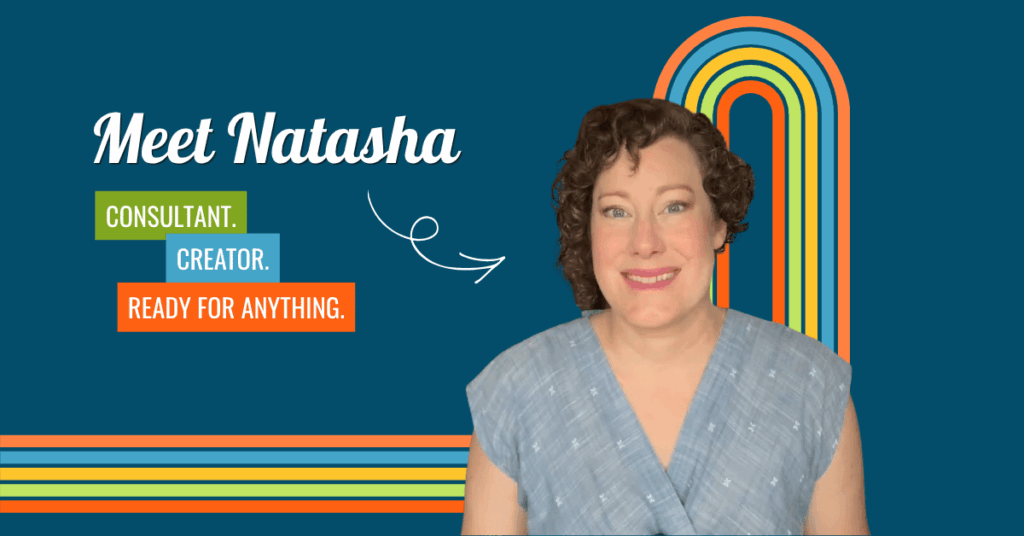
Natasha’s video unexpectedly took off, and she wasn’t scrambling. Her website was ready to catch every new contact the moment they showed up.
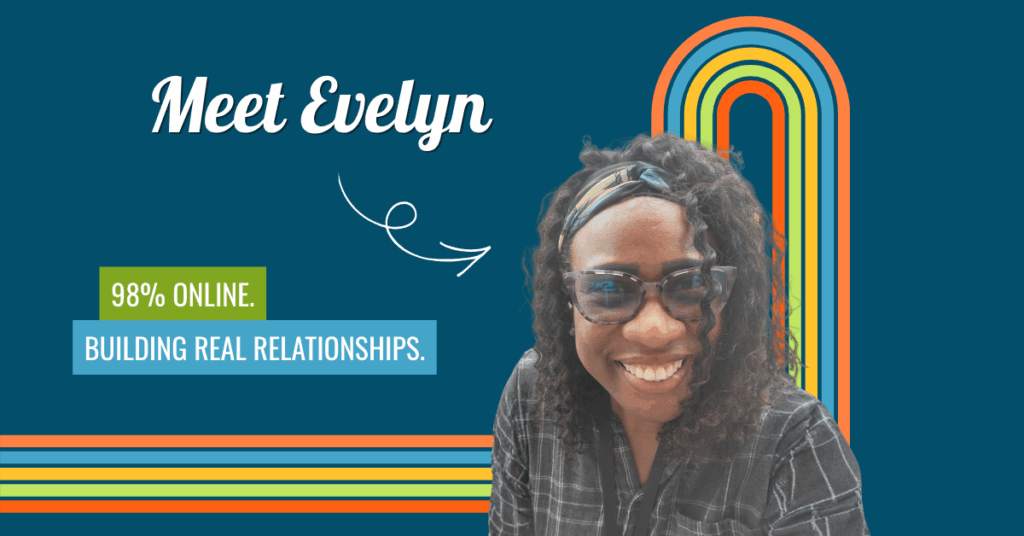
Evelyn runs almost her entire business from her computer, and it still feels personal. Her site helps her build real relationships with the people she serves.
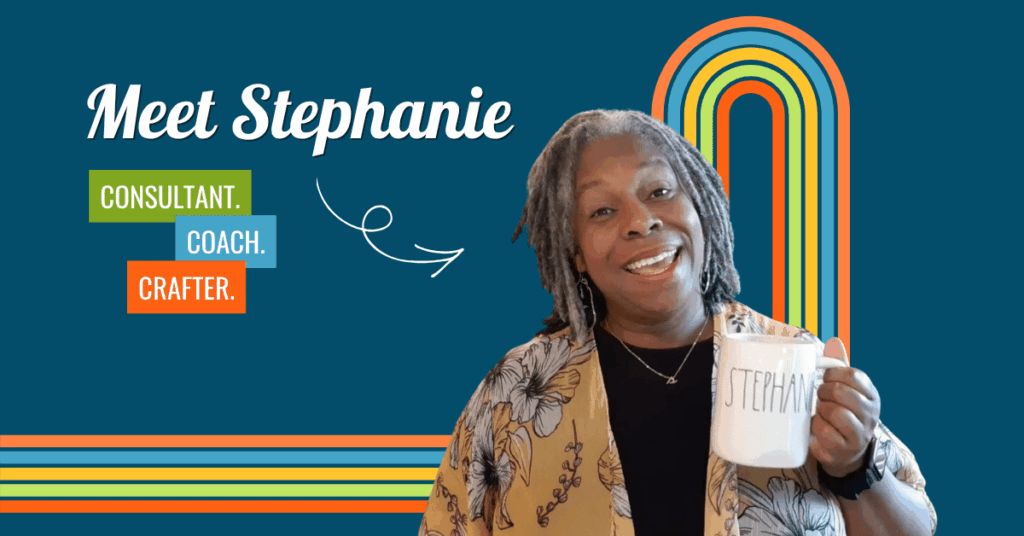
Stephanie was running her business everywhere at once, with content on one platform and offers on another. Then she gave it all one home.
Wondering what Oh My Hi could look like for your business? These stories are a great place to start.
We’ve got big things cooking for Q4, and we can’t wait to show you.
Leave a Reply